
Need help with one of our apps? Find answers below or reach out directly.
Pare
One-tap app blocker for digital wellness
How does Pare block apps?
Pare uses Apple’s built-in Screen Time framework (FamilyControls, ManagedSettings, DeviceActivity) to block apps and websites you select. Your data never leaves your device — Pare cannot see which specific apps you use.
What do I get for free?
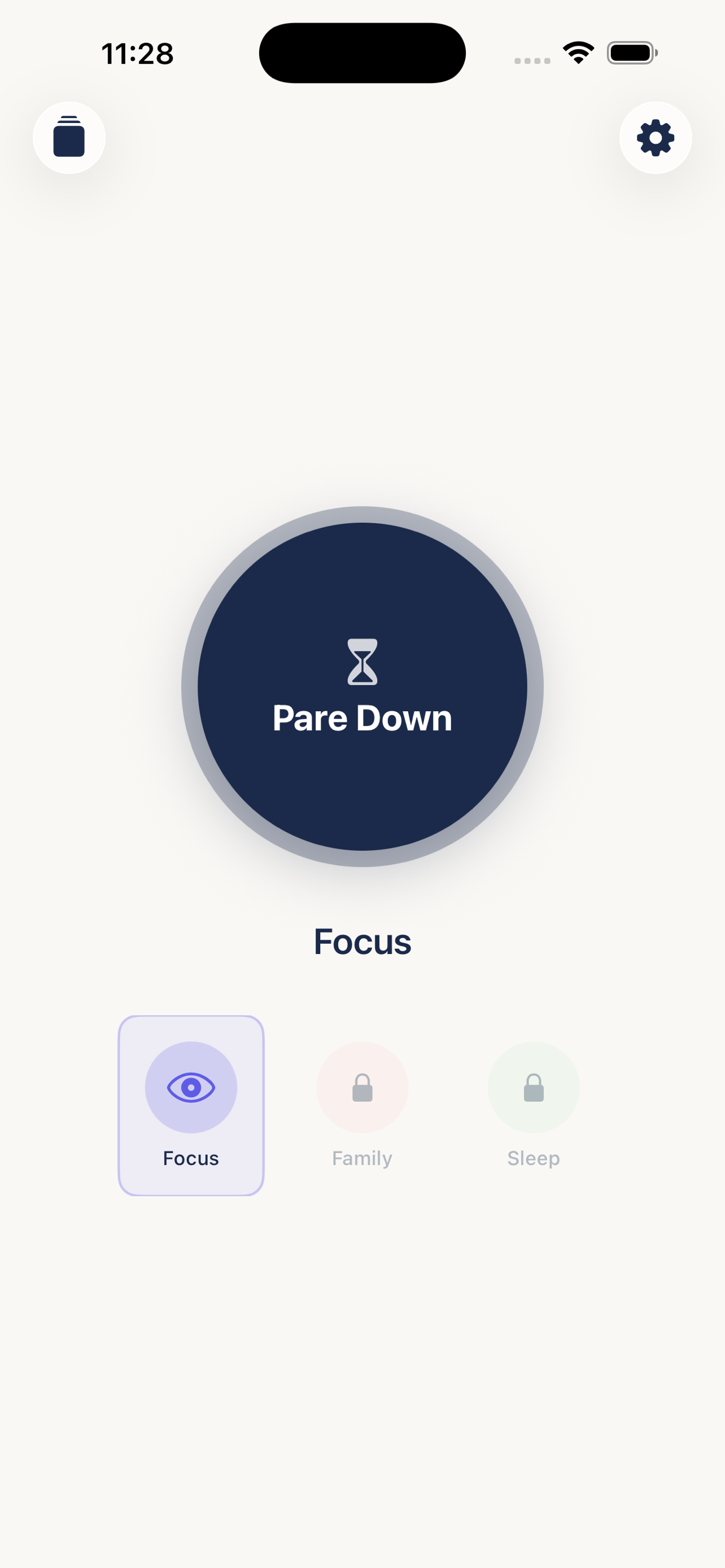
Free users get the Focus mode and 3 blocking sessions. After that, a one-time $1.99 purchase unlocks unlimited sessions, all modes (Focus, Family, Sleep), custom mode creation, and all customization options. No subscription.
What is Emergency Unbrick?
If you need to access a blocked app during an active session, Emergency Unbrick immediately ends the session and removes all blocks. You get 5 per month, and they reset on the 1st of each month.
What is Committed Mode?
When Committed Mode is enabled for a session, you cannot end the session early using the regular unblock button. The only way out is Emergency Unbrick. This is for when you want maximum accountability.
Can I get a refund?
Pare’s in-app purchase is handled by Apple. To request a refund, visit reportaproblem.apple.com and select the purchase.
What iOS version do I need?
Pare requires iOS 17 or later.
Still need help?
Email us at randall@pineywoodsweb.com or call (903) 402-7565. We typically respond within 24 hours.